
Description
-
Batch Logo Placement
Apply logos to dozens or hundreds of product images with one click. -
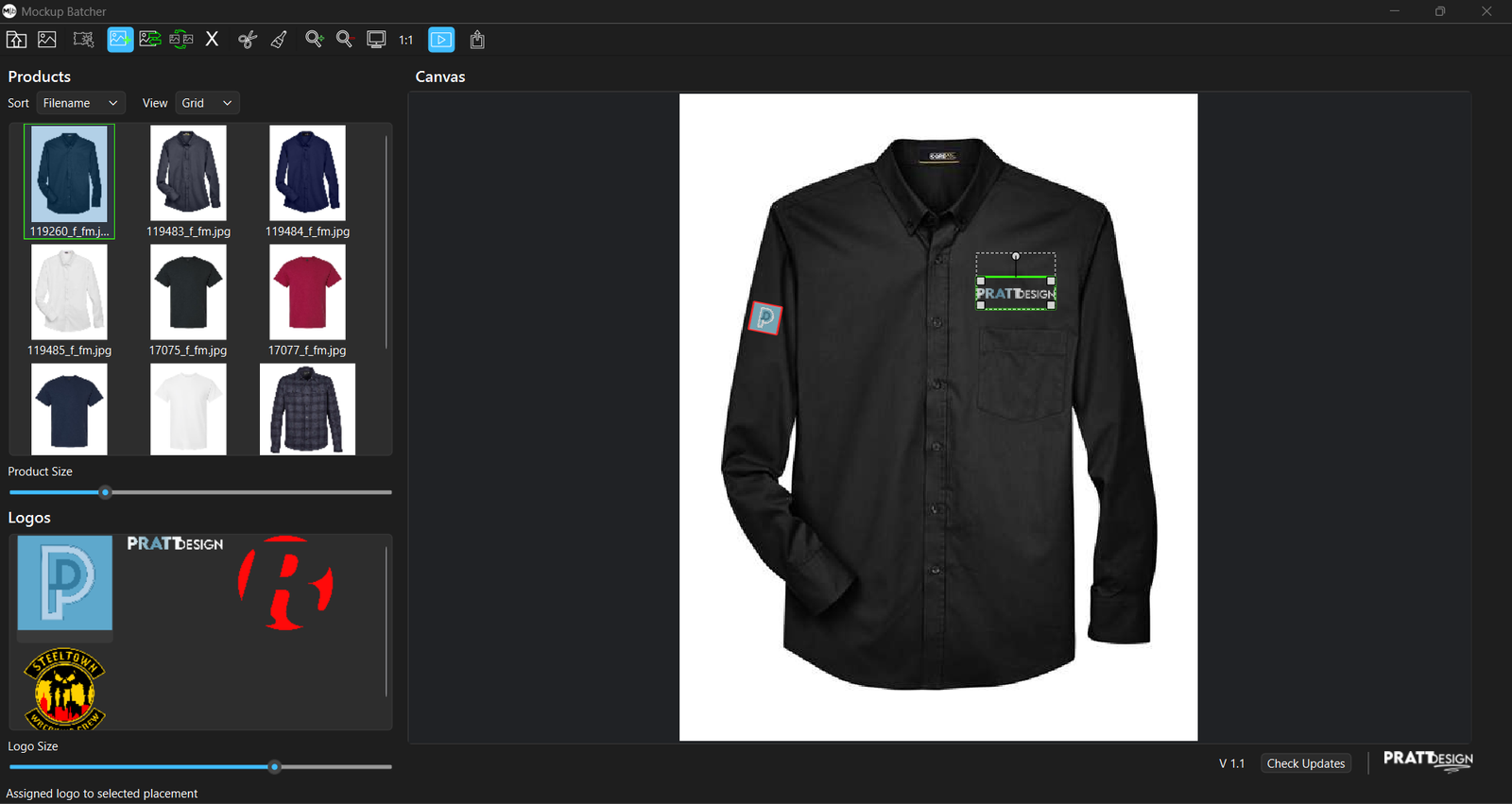
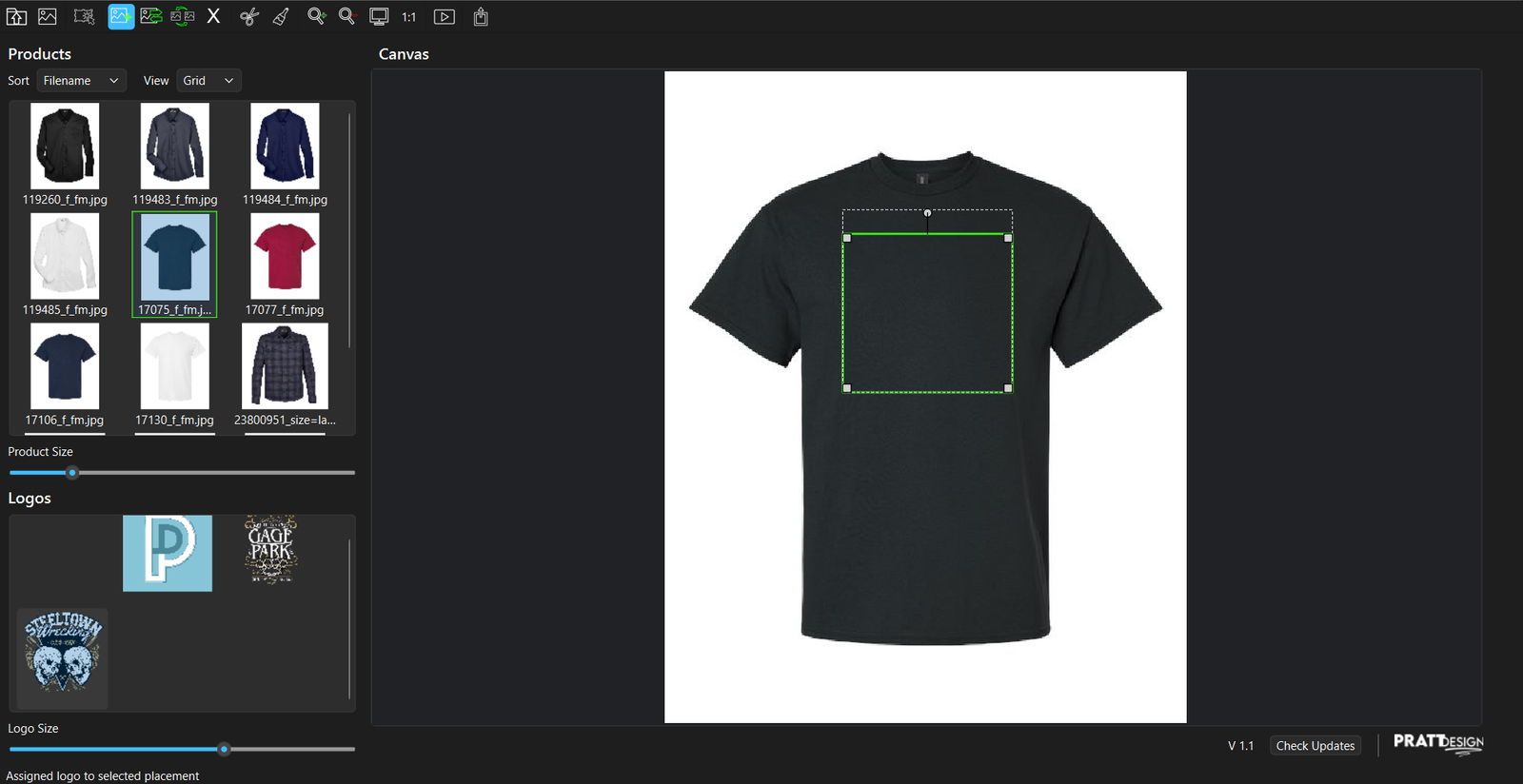
Visual Placement Editor
Draw, move, resize, and rotate placement areas directly on your product images. Then copy that same placement to other products. -
Multiple Logos Per Product
Add different logos to multiple locations on the same item (chest, sleeve, back, etc). -
Slot-Based Placement System
Maintain consistent placement positions across products using reusable placement slots. -
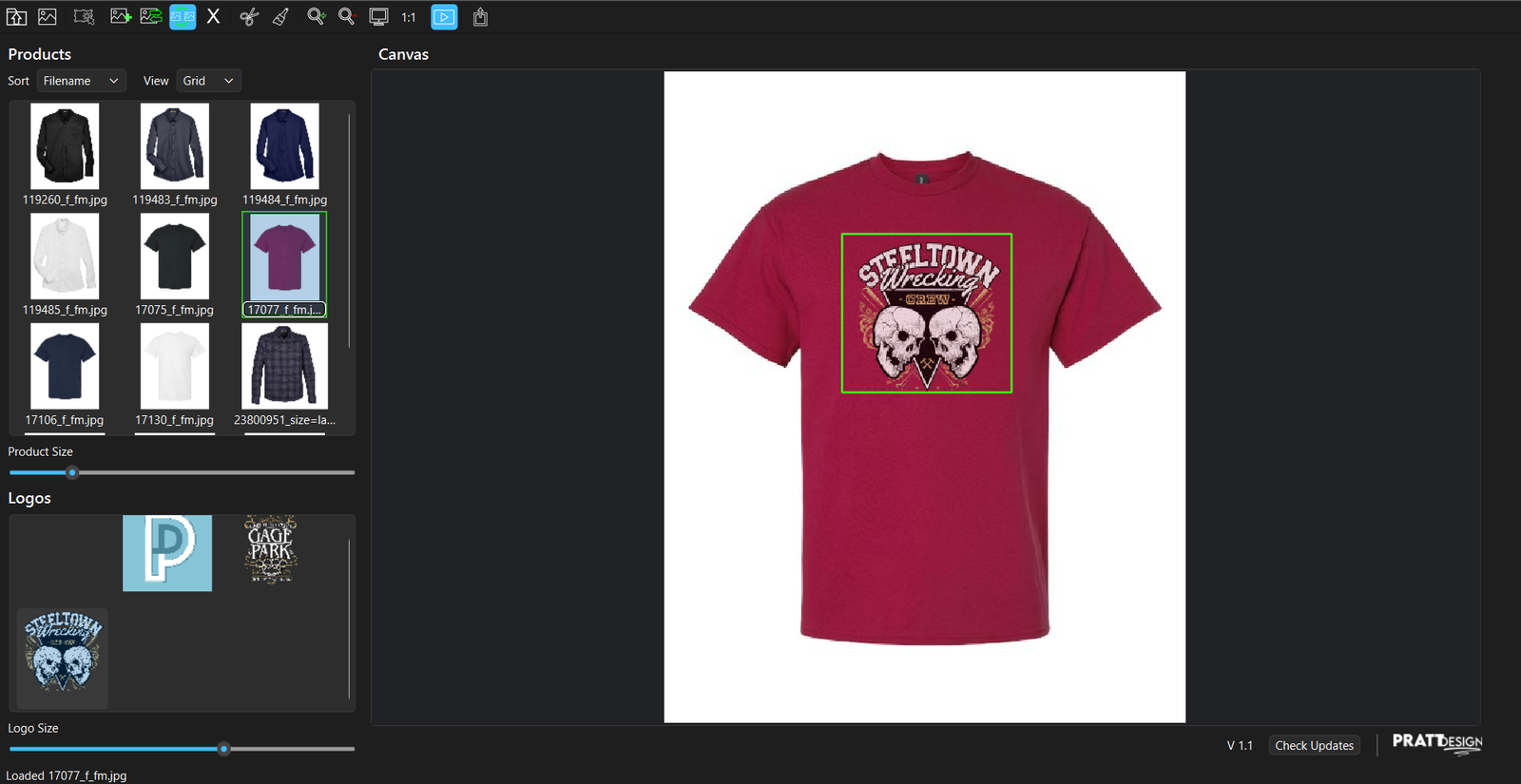
Live Preview
Instantly see how logos look inside each placement while you work. -
Precise Transform Controls
Resize with aspect ratio lock, rotate with handles, and fine-tune placement visually. -
Fast Logo Assignment Tools
Assign logos to a single placement, a group of products, or an entire slot across all products. -
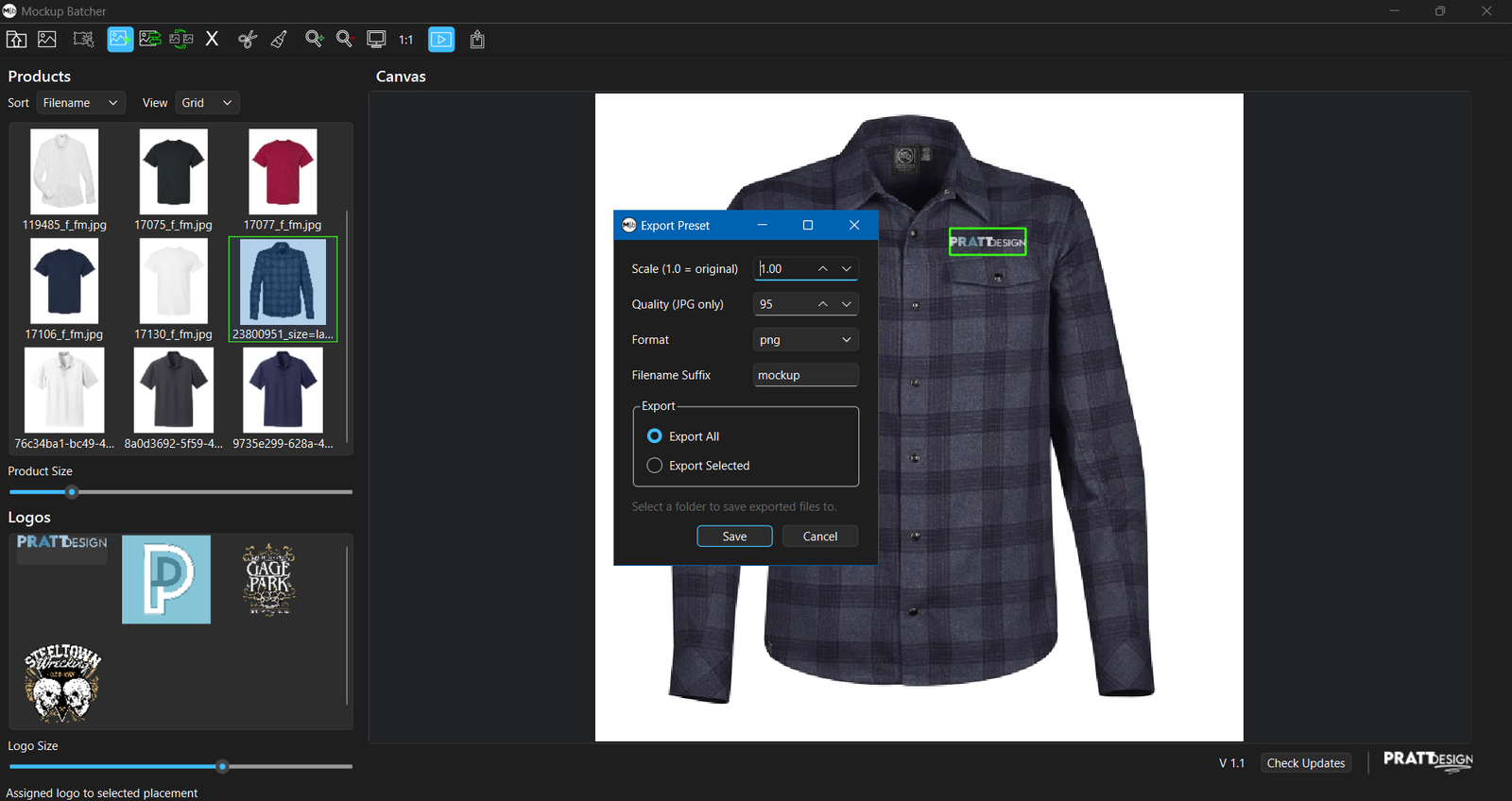
Flexible Export Options
Export PNG, JPG, or PDF mockups with quality and scaling controls. -
Selective Export
Export all products or only selected ones. -
Smart Skipping
Products without placements are automatically skipped during export. -
Local Desktop App
Runs entirely local. No cloud. No uploads. No subscriptions. -
Supports Common Image Formats
Products: JPG, PNG, WEBP
Logos: PNG, JPG, JPEG, EPS -
Copy & Paste Placements
Duplicate placement layouts between products in seconds. -
Multi-Step Undo
Confidently experiment knowing you can undo mistakes.