

Screenwriting Made Simple
Easily write and format professional scripts right inside your vault. No extra software, no complicated setup.
Just open a note, start typing, and watch your screenplay take shape in clean, industry-standard format.
Write Chapters, Build Worlds
Draft scenes, track your main cast, and keep your notes organized in one seamless workspace. Whether you’re planning the next twist or polishing a finished chapter, everything stays connected and easy to navigate.
Your Story Hub, At a Glance
Your entire project opens to a clean, customizable dashboard. Track your in-world calendar, browse chapters, and jump into culture, lore, or maps with one click. Everything is organized, connected, and ready to keep your writing flowing from the moment you open the vault.
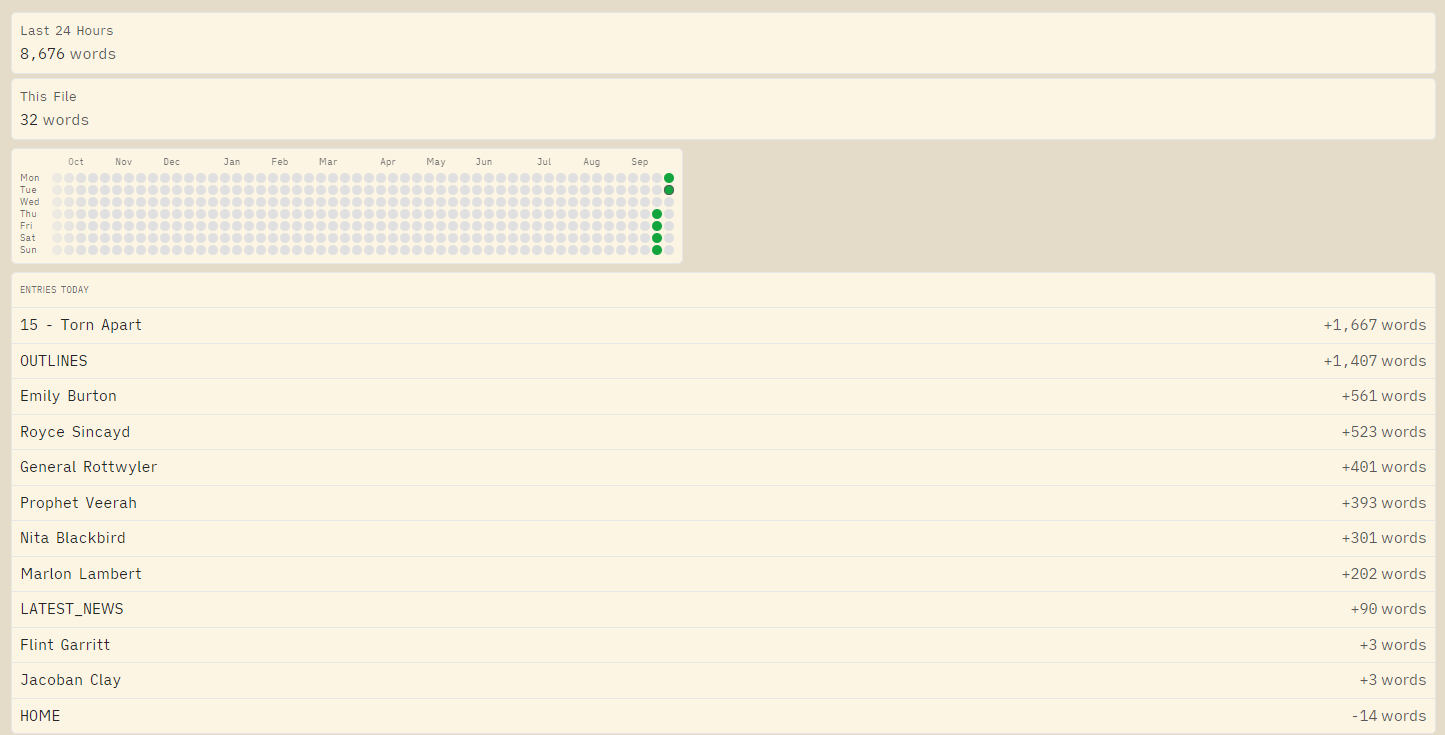
See Your Progress As You Go
Visualize and track your writing. See how your writing scores using the Flesch Reading Ease formula. Simply keep track of characters, locations and other areas of interest.
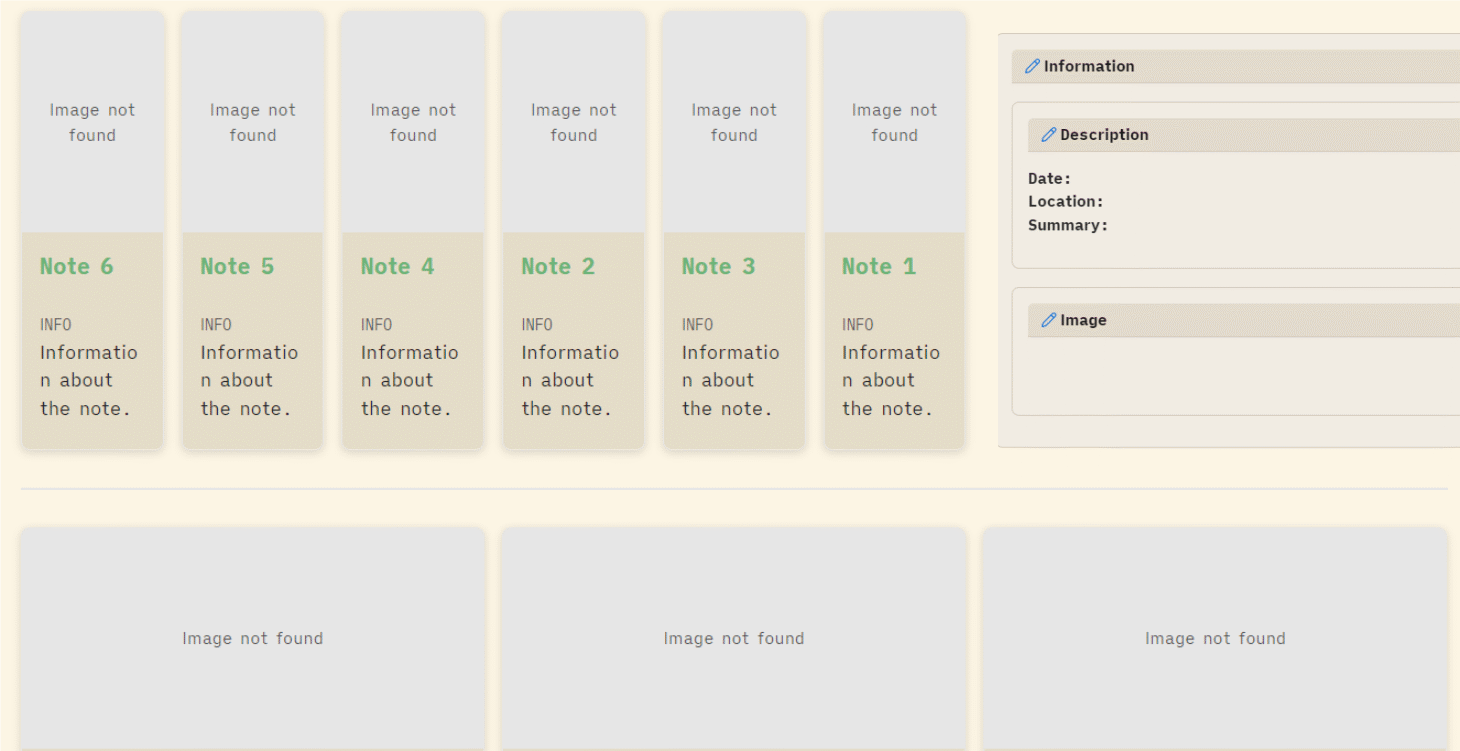
Multiple Different Layout styles
Choose from an assortment of different visual layout examples created with bases, dataview and datacards to bring your writing to life!
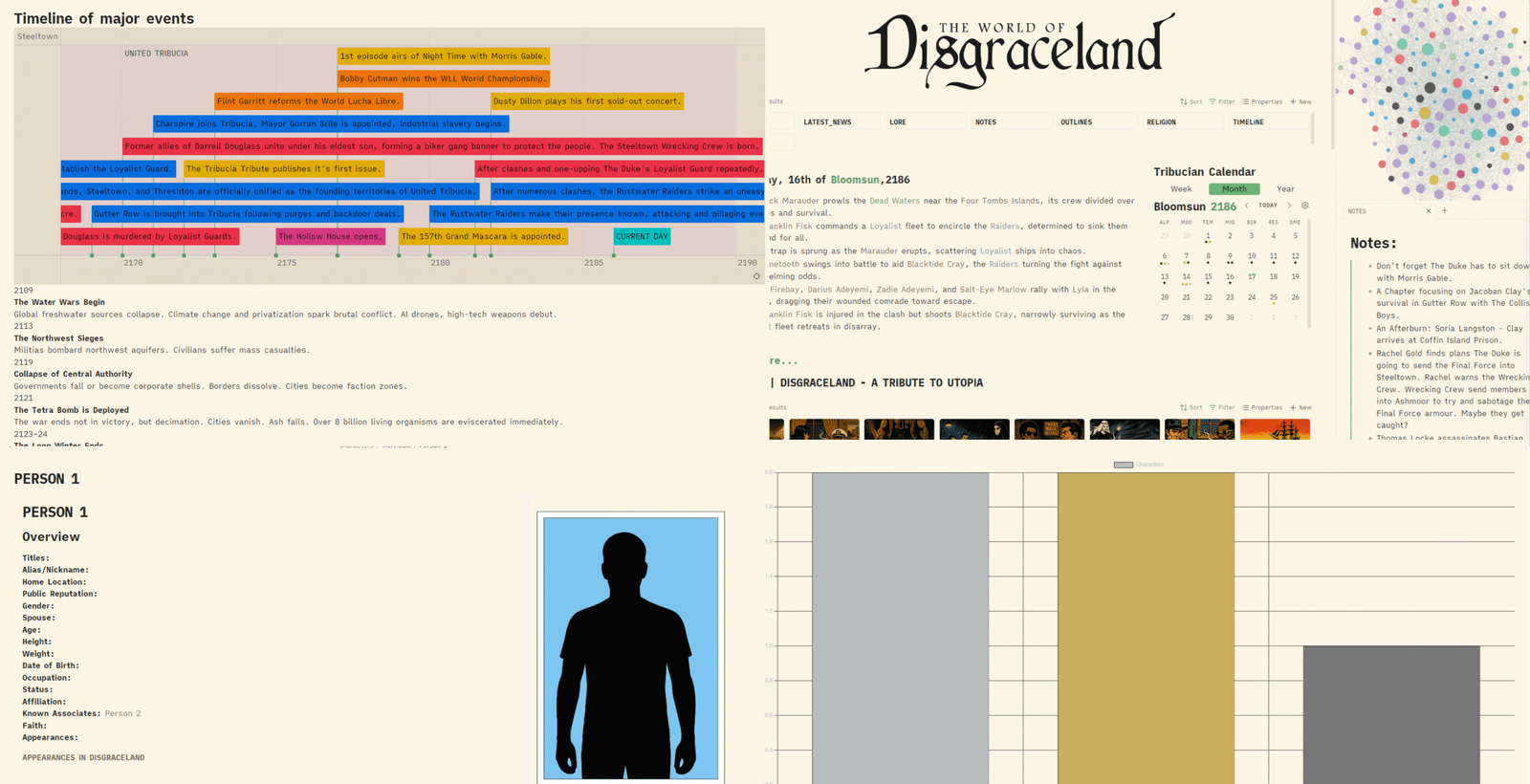
Plus Much More
Custom timelines to track major events. Character page templates. Vault graphs to keep track of everything. And a lot more.

$7.00 / USD
You will receive an instant download link for the full & complete Novelvault.
If you have any questions please e-mail mark@prattdesign.ca.
Payments are handled by Stripe or PayPal, not PrattDesign.
f.a.q.
Novelvault makes use of a curated selection of community plugins to enhance usability, creativity, and customization. All plugins included are free and sourced from the official Obsidian plugin library. Here’s a full list:
- Calendarium – Adds a flexible in-vault calendar system for keeping track of in-world dates or your own writing schedule.
- Charts – Create quick bar, line, or pie charts directly in your notes to visualize data or story stats.
- Chronos Timeline – Build interactive, scrolling timelines to map your story beats and world history.
- DataCards – Display characters, locations, or lore in stylish, card-based layouts.
- Dataview – Turn your vault into a database by querying notes into tables, lists, or galleries.
- Frontmatter Markdown Links – Makes your YAML frontmatter fields clickable, keeping navigation smooth.
- Fountain – Write and view screenplays in fountain format. Complete with index cards and many other features.
- Homepage – Set a custom start page so you always land on your dashboard or main hub when opening the vault.
- Keep the Rhythm – Track your daily writing streaks and word counts to stay motivated.
- Leaflet – Add interactive maps right inside your notes for worldbuilding and setting detail.
- Local Backup – Automatically save backups of your vault to avoid data loss.
- Simple Banner – Add custom banners at the top of your notes for visual flair and organization.
- Simple Colored Folder – Color-code your folder system for faster navigation.
- Simple Columns – Split your notes into neat columns for side-by-side layouts (great for characters vs. factions, etc.).
- Style Settings – Customize the look and feel of your vault with easy CSS tweaks.
- Supercharged Links – Add icons, colors, and metadata to your links so they stand out.
- Vault Full Statistics – Track word counts, characters, links, and overall writing progress across your vault.
-
By purchasing, you agree to the following:
Novelvault is provided for personal use, educational purposes, and creative inspiration only.
By purchasing and downloading this file, you agree to the following:
- You may use the templates, structure, and formatting within your own Obsidian vaults and worldbuilding projects.
- You may NOT resell, redistribute, or share this file (or its contents) as-is or in any repackaged form.
- You may NOT claim the included fictional sample content as your own original work for resale or commercial publishing.
- This product is offered “as-is” with no warranties or guarantees. Use at your own discretion.
If you have any questions about usage, please contact us directly at mark@prattdesign.ca.