

FREE, ONLINE ROOM DESIGNER & LAYOUT MAKER
Built independently.
No ads. Completely free.
Just simple design.
ROOMPRINT was designed with the intention to create
a simple, user-friendly, browser-based, intuitive floorplan
and layout maker.
No drafting experience needed.
Design fast layouts with real time measurements and
export your design.
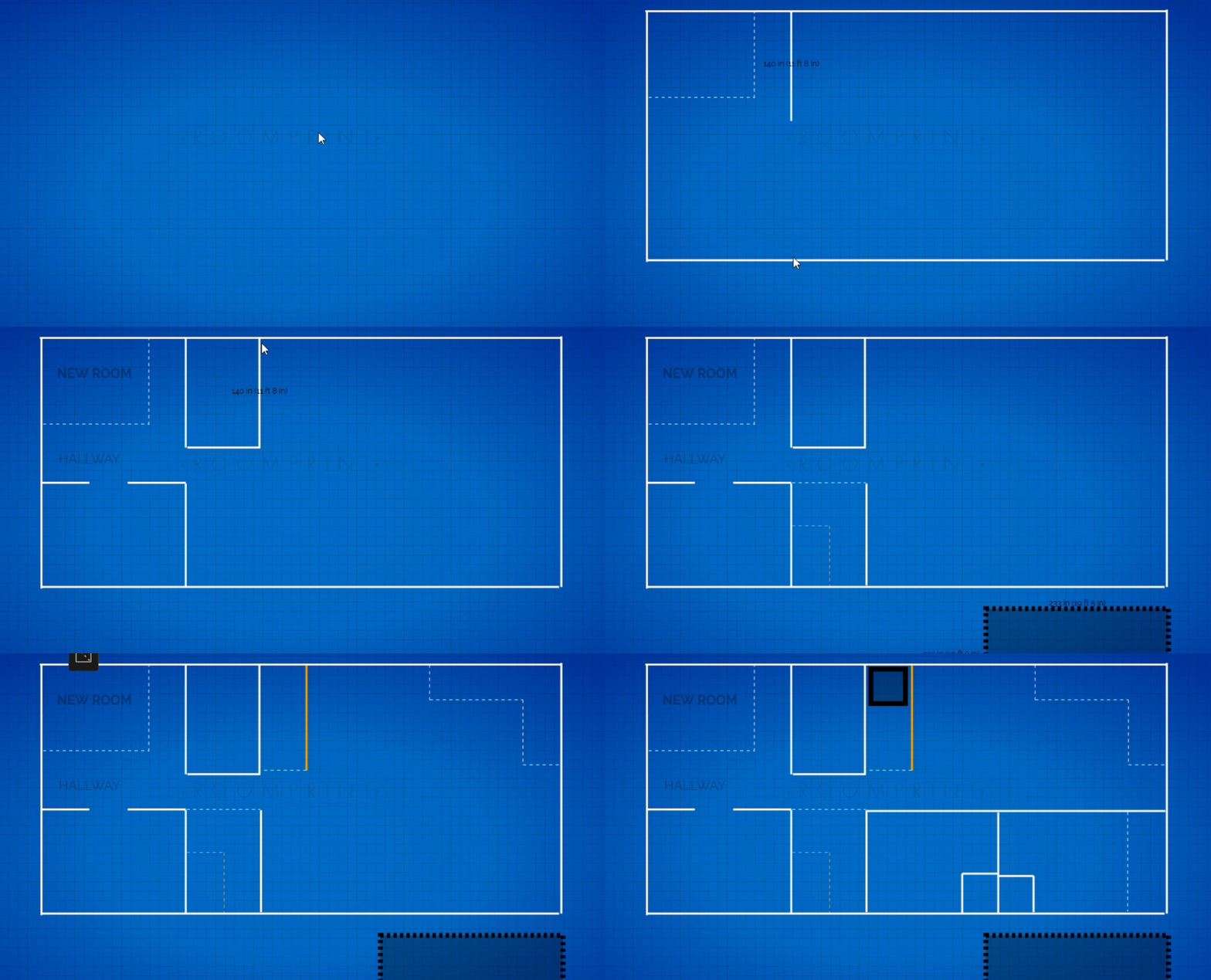
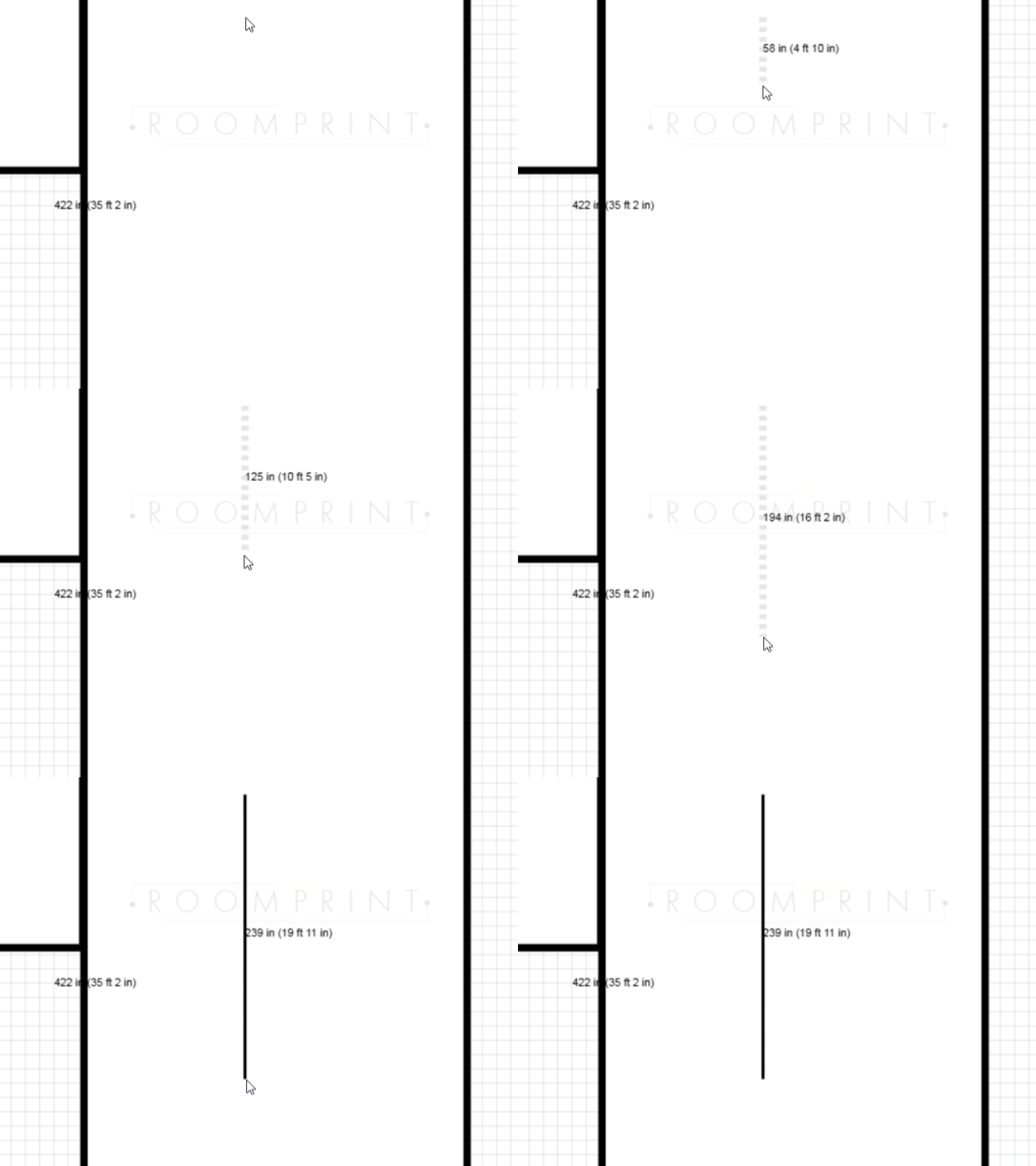
MEASURE IN LIVE TIME
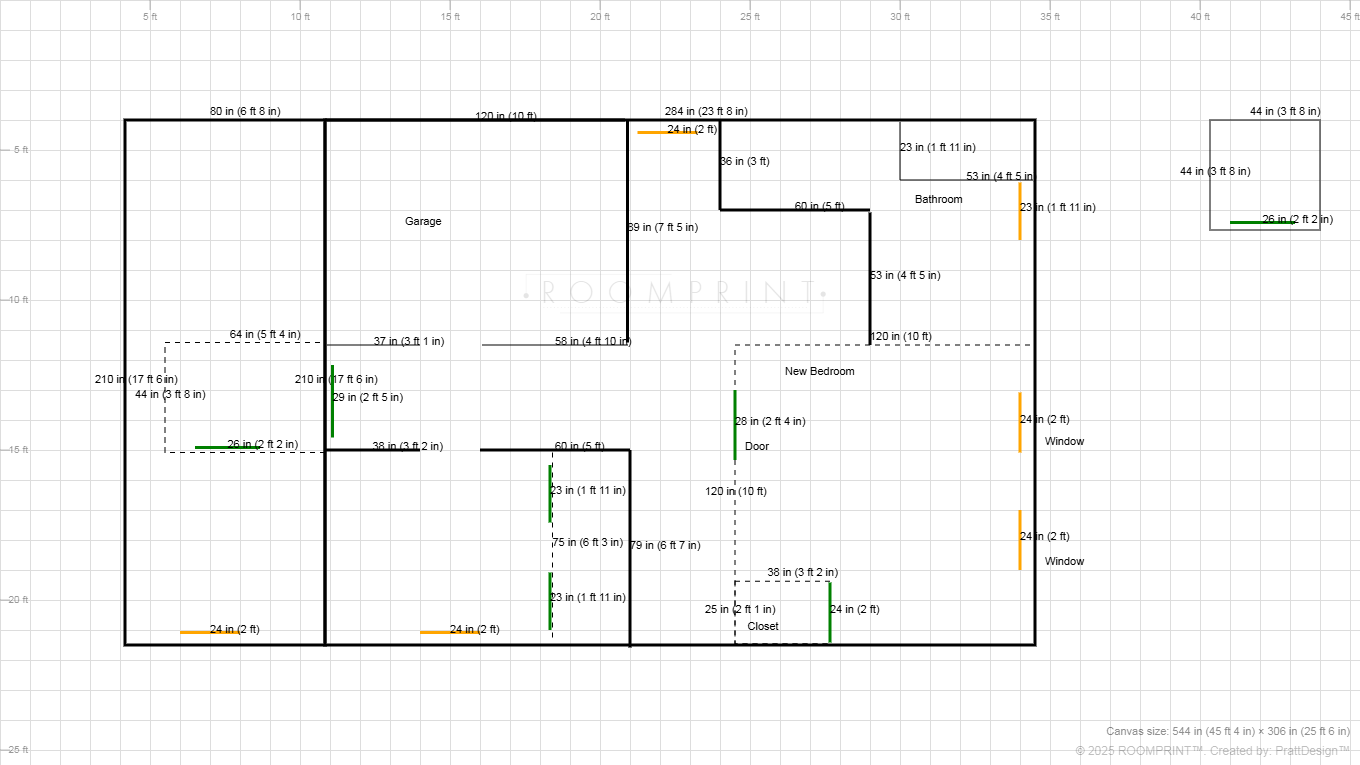
See accurate, real-time measurements displayed directly on your canvas as you draw, eliminating guesswork.
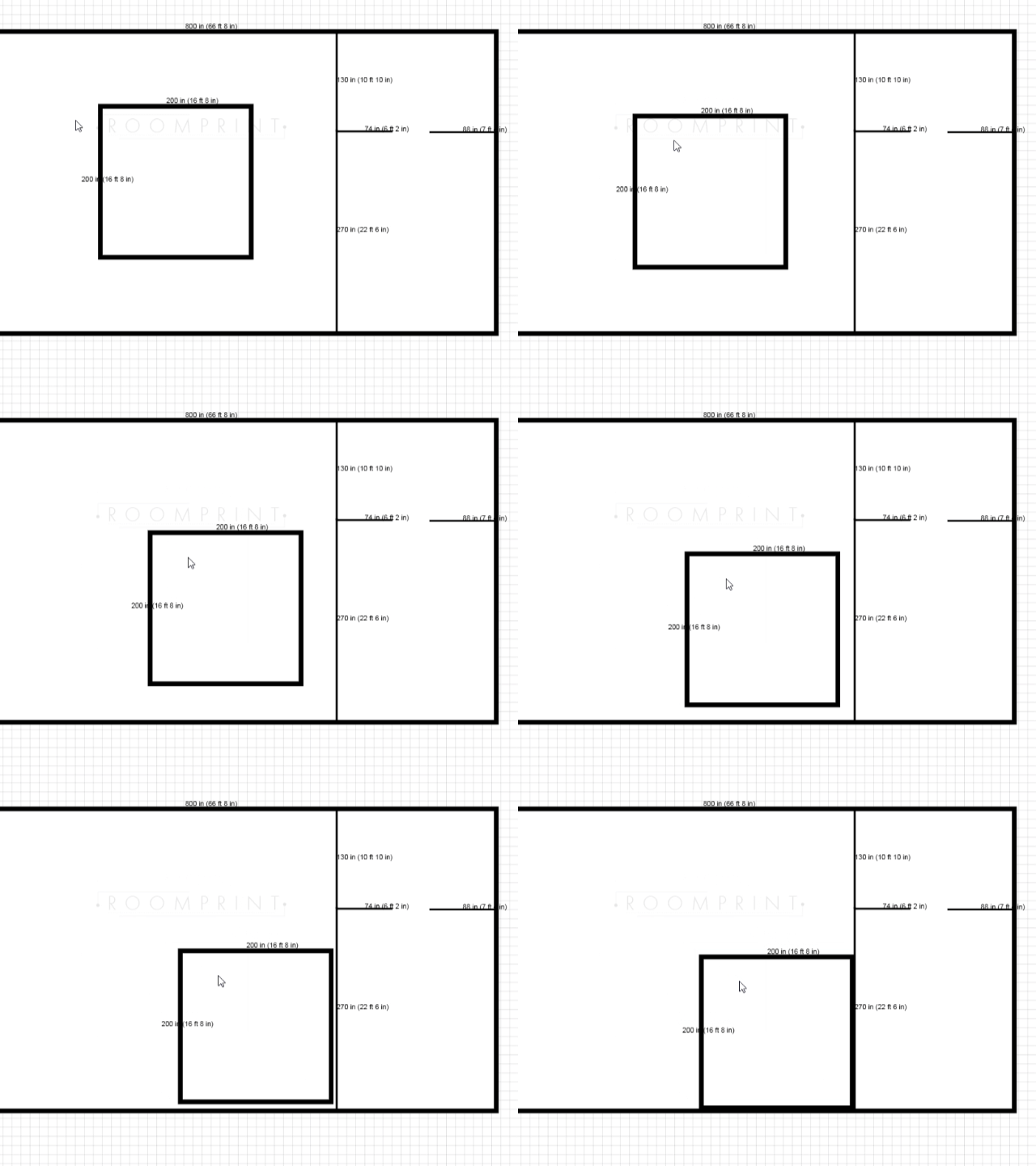
MOVE ENTIRE SPACES
Freely move whole rooms around to where you need them to be without hassle. Just click and drag.
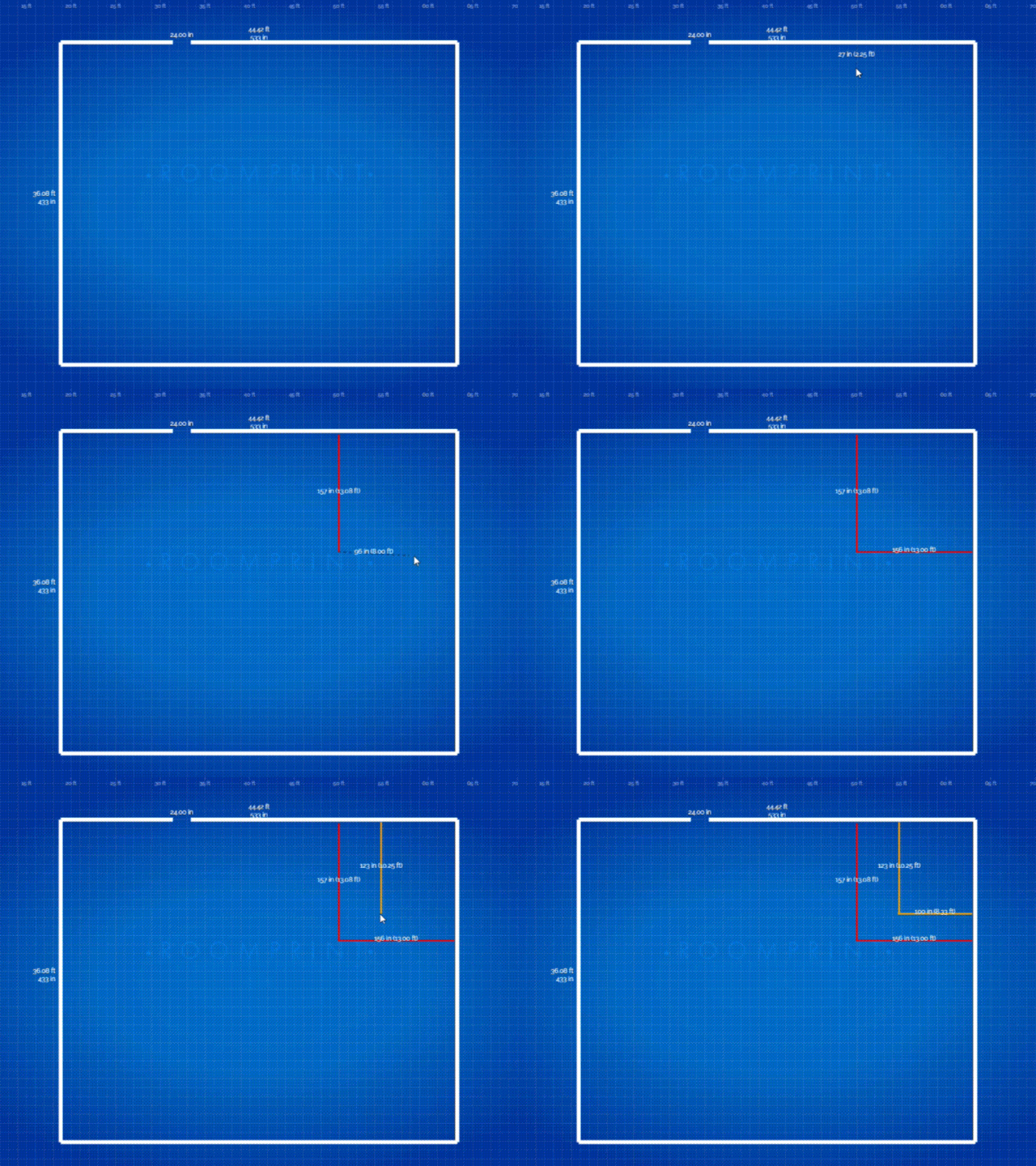
LAY OUT IN COLOR
Your plans don’t need to just be in black and white. Use color to highlight important areas or denote specific layouts.
ROOMPRINT
makes floorplanning
simple.intuitive.professional.fast.
ROOMPRINT was designed with the intention to create a simple, user-friendly, intuitive floorplan and layout maker. No drafting experience needed. Design fast layouts with real time measurements and export your design.
Please get in touch with any new features you’d like to see in roomprint
RoomPrint was built for anyone who needs a fast, simple, and powerful way to plan out spaces without drowning in complicated software. If you need to sketch out a room, map a layout, or visualize a project, RoomPrint can help.
Homeowners & Renters
- Plan room layouts before you move furniture
- Map out renovation projects and DIY upgrades
- Visualize space for new purchases, like couches or beds
Contractors & Builders
- Quickly sketch job site layouts
- Share simple visuals with clients before the work starts
- Plan wall placement, window spacing, and room dimensions on-the-fly
Interior Designers
- Create fast mockups for furniture placement and design ideas
- Share printable layouts with clients for approval
- Play with different views: room, home, and blueprint modes
Real Estate Agents
- Generate clean visual layouts for property listings
- Provide buyers with clear space planning diagrams
- Showcase room dimensions simply and effectively
Students & Hobbyists
- Map out dorm rooms, apartments, or small projects
- Experiment with layout ideas easily
- Create printable versions for personal projects
Anyone Who Hates Overly Complicated Design Software
- You don’t need a CAD degree to use RoomPrint
- Zero installs, zero subscriptions, zero headaches
Intuitive drag-and-click interface for fast layout creation
Multiple view modes: Room View, Home View , and Blueprint View
Fully responsive canvas (1360×765 default resolution)
Clean top toolbar with tooltips for every function
Custom Raleway-based interface font for sleek, modern design
Create custom-sized rooms by entering width and height in inches
Auto-centered room generation on canvas
Room Fill toggle to switch between outlined or filled room visuals
Dynamic window placement along room borders with real-time gap detection
Line Tool with 3 styles: Normal, Bold, Dotted
Text Tool with adjustable font sizes (Small, Medium, Large)
Text formatting: Bold, Italic, Underline
Color Palette with 10 selectable colors for lines and text
Snap-to-grid system for clean, precise drawing
Add windows directly on room borders or on any line segment
Adjustable window size (resizable by Shift+Drag)
Dynamic measurements displayed automatically for all windows
Windows intelligently create gaps in walls/lines
Grab Tool to move rooms, lines, text, and windows
Delete Tool for removing individual elements
Undo Button for single-step undo actions
Clear Canvas with confirmation modal
Real-time measurement display (inches and feet)
Ruler overlays along gridlines
Toggle Measurement mode for clean visual export
Auto-updating canvas scale display
One-click export as PNG image (with white background)
Built-in Help Modal with full walkthrough
View Mode selection at startup for user guidance